
HTTP security & cache headers checker
Are the headers your site sends actually protecting visitors, and are they making people re-download pages they already have? Paste a URL and this free checker grades your security, caching and compression headers in one pass, A+ to F, and names what to fix first.
This checked one URL, once.
VitalSentinel audits the whole page in one pass: this check plus every other technical SEO and performance issue on it, scored and ordered by what to fix first. Ask Theo, the AI assistant in the app, and it explains any finding in plain words.
The same check on every page you visit
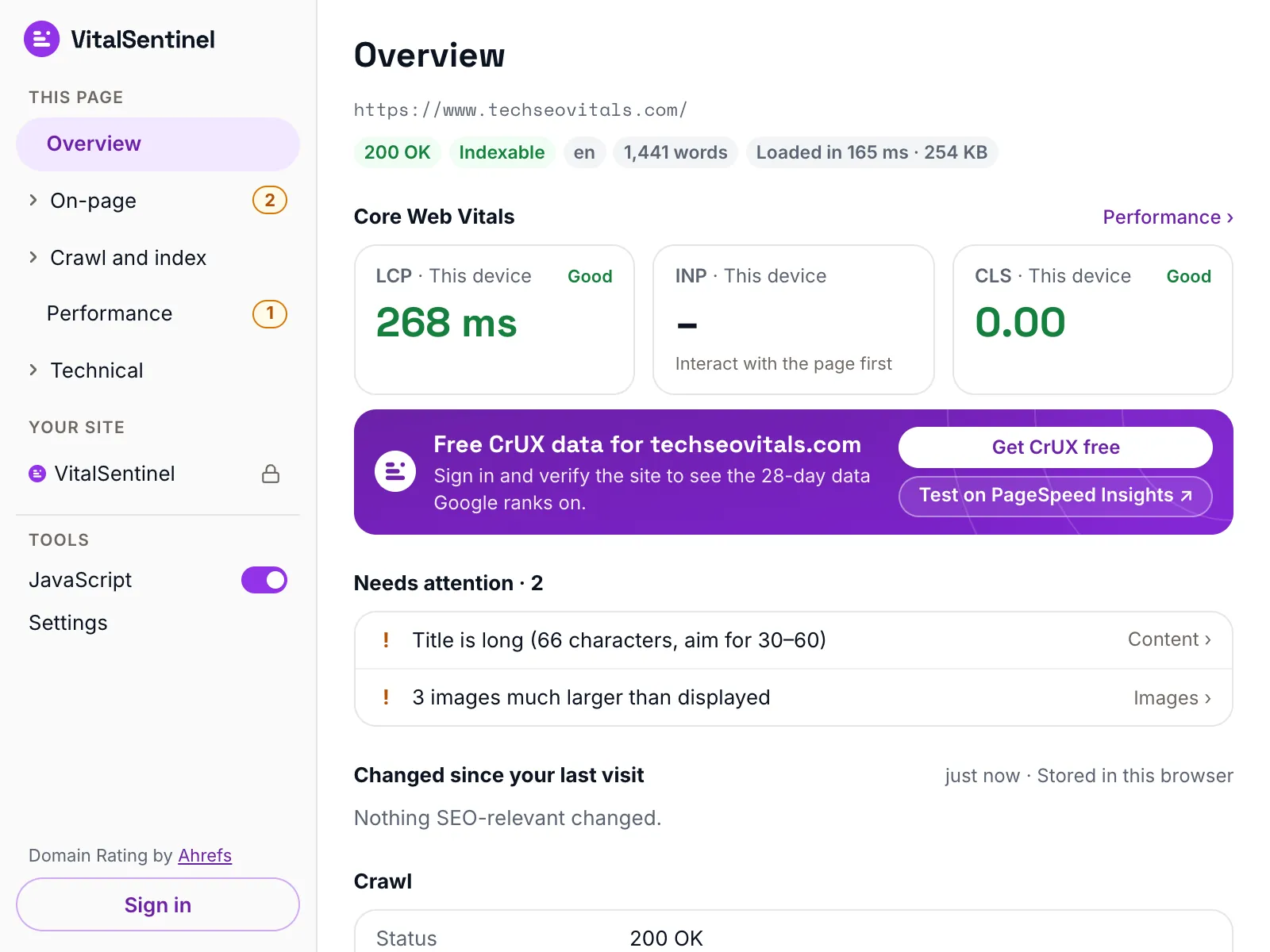
In the free VitalSentinel SEO Extension for Chrome, one click shows six security headers, caching and compression for the page you have open.
- Free
- No account needed
- One click
What it checks
- Grades the security headers, from Content-Security-Policy and Strict-Transport-Security through to Referrer-Policy, Permissions-Policy and the headers that stop other sites framing your pages
- Reads your caching setup rule by rule: Cache-Control, ETag, Last-Modified, Vary, Age and the CDN cache headers
- Reports whether the page is compressed, which method is used, and the HTTP/3 support your server advertises
- Flags software versions given away by Server and X-Powered-By, and shows the weight of every scored check so you can see where the grade came from
What it does not
- It is not a security audit. Headers say nothing about how the software behind them handles what a visitor sends it
- One URL per run, fetched without cookies as VitalSentinel Free Tools Bot, so anything your site sends only to a logged-in visitor, or only to a particular browser, is invisible here
- Compression leaves the grade when our own fetch strips the header that names it, and the HTTP version is never scored – we can only report what your server advertises
- Content-Security-Policy and Strict-Transport-Security are summarized here, not taken apart line by line, and there is no http to https redirect test. The CSP checker and the HSTS & preload checker do that
Questions
What grade should I be aiming for?
The score is the share of points your page earned out of the points that applied to it, and the letter follows from that: A+ at 95 out of 100, A at 90, B at 80, C at 70, D at 60 and F below that.
A B is a well-configured public site. An A usually takes deliberate work on a strict Content-Security-Policy, which is overkill on a brochure site.
The weights are our own opinion, not a standard, and they are printed on the scorecard so you can argue with them. No grade here means a site is secure: headers are one layer, and this tool never sees the software behind them.
Why does the tool say compression is unknown?
The platform this tool runs on can decompress a page and drop the header that names the compression before our code ever sees it.
When that happens the row reads "Not observable" and the compression check leaves the grade entirely, rather than marking you down for something we cannot see.
Is a long max-age on my HTML a problem?
Only if any part of the page differs between visitors. A shared cache can hand one person the copy it made for another, so a page showing a name, a cart count or a logged-in menu needs private or no-store.
Why do my headers look different from what I configured?
Usually something between your app and us is rewriting them: a CDN, a reverse proxy, a WAF or a hosting platform with its own defaults. Comparing this report against your config finds the layer that actually decides.
More free tools
Fair use, and how to recognize us
5 per minute · 25 per hour · 100 per day per IP (per /64 for IPv6), plus a per-site limit
Every request these tools make sends this user agent, including the ones that load a page in a real browser. What a run records is set out in our privacy policy.
Mozilla/5.0 (compatible; VitalSentinel Free Tools Bot/1.0; +https://www.vitalsentinel.com/bot)
Stop checking by hand
Core Web Vitals from real users, indexing and robots.txt, uptime and SSL, monitored continuously. Start on the Free plan and add your first domain in under a minute.