
Open Graph & social card checker
What does your link look like when someone shares it? This free Open Graph checker reads the og: and twitter: tags your server sends, checks that the og:image loads, and previews the social card LinkedIn, X and Slack build from them, with what each one is missing.
This tool checks once. Site Health Monitoring keeps checking.
It checks on a schedule and alerts you when the result changes. Ask Theo, the AI assistant in the app, to explain any finding.
The same check on every page you visit
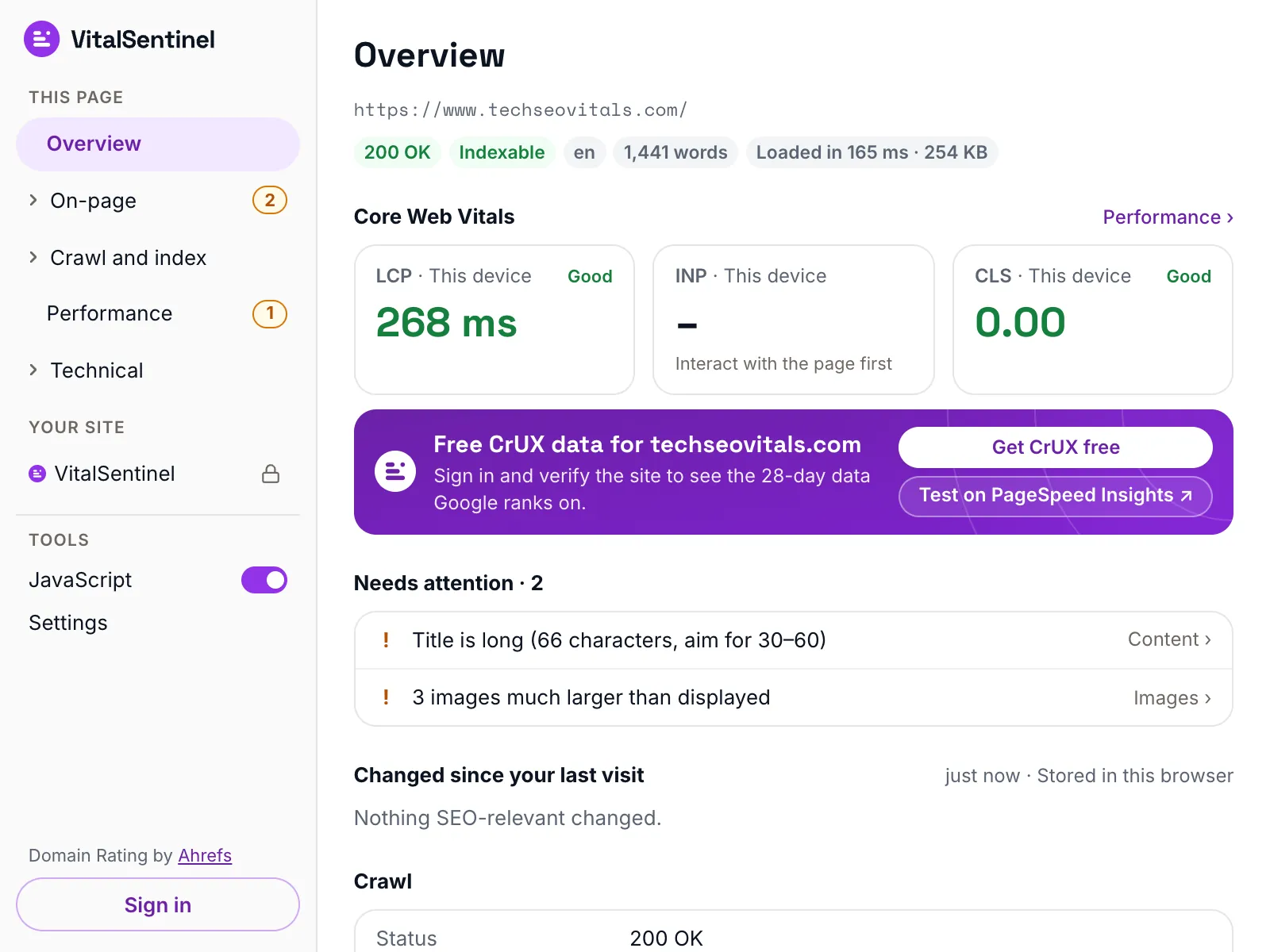
In the free VitalSentinel SEO Extension for Chrome, one click shows the Facebook, LinkedIn and X previews, with the social tags behind them, for the page you have open.
- Free
- No account needed
- One click
What it checks
- Reads every og: and twitter: tag in the page's HTML, plus the title and meta description platforms fall back to
- Fetches the share image for its status and file size, and reads its format and pixel size from the first bytes of the file
- Calls an image broken only when it answers 404 or 410, the same rule as Site Health Monitoring. Any other error is reported as unconfirmed
- Checks each card against what LinkedIn and X document: the tags they need, the minimum image size, the shape they crop to and the 5 MB limit
What it does not
- It reads the HTML your server sends. Tags added by JavaScript after the page loads are not seen, and most platforms do not see them either
- The previews approximate each platform's layout, which changes over time. A card already shared stays cached on the platform until you refresh it there
- It fetches as VitalSentinel Free Tools Bot. A site that answers bots differently, or blocks them, may show the platforms something else
- Slack's current docs do not say how it lays out a card. Its card here follows Slack's 2015 post on unfurling, and gets no image size checks
- X documents its tags, not its layout, so the X preview follows how X draws a card today
Questions
What size should an og:image be?
LinkedIn asks for at least 1200 x 627 pixels at a 1.91:1 ratio, and X crops a large card to 2:1. A 1200 x 630 image works on both. Keep it under 5 MB, the limit on LinkedIn and X, and use JPG or PNG.
Why does my link show the wrong image or an old title?
Platforms cache a card when a link is first shared. After you fix the tags, refresh the card with LinkedIn Post Inspector or wait for the cache to expire. If this checker still shows the old tags, the page itself has not changed yet.
Do I need Twitter card tags if I have Open Graph tags?
You need twitter:card, because X reads it to choose the layout and has no Open Graph version of it. For the title, description and image, X falls back to og:title, og:description and og:image, so you can leave the twitter: versions out.
How do I know when a deploy breaks my share tags?
Site Health Monitoring reads the share tags across your site. It raises an issue when pages lose og:title, og:image or twitter:card, or when their og:image starts answering 404 or 410.
More free tools
Fair use, and how to recognize us
5 per minute · 25 per hour · 100 per day per IP (per /64 for IPv6), plus a per-site limit
Every request these tools make sends this user agent, including the ones that load a page in a real browser. What a run records is set out in our privacy policy.
Mozilla/5.0 (compatible; VitalSentinel Free Tools Bot/1.0; +https://www.vitalsentinel.com/bot)
Stop checking by hand
Core Web Vitals from real users, indexing and robots.txt, uptime and SSL, monitored continuously. Start on the Free plan and add your first domain in under a minute.