
Redirect checker
Where does a link actually end up, and what does the trip cost the people who click it? Our free redirect checker follows every hop in seconds and shows you the whole chain your address bar hides, with its loops, detours and wrong status codes.
This tool checks once.Indexing Monitoring keeps checking.
It checks on a schedule and alerts you the moment the result changes, so you never have to remember to run this again. Ask Theo, the AI assistant in the app, and it explains any finding in plain words.
The same check on every page you visit
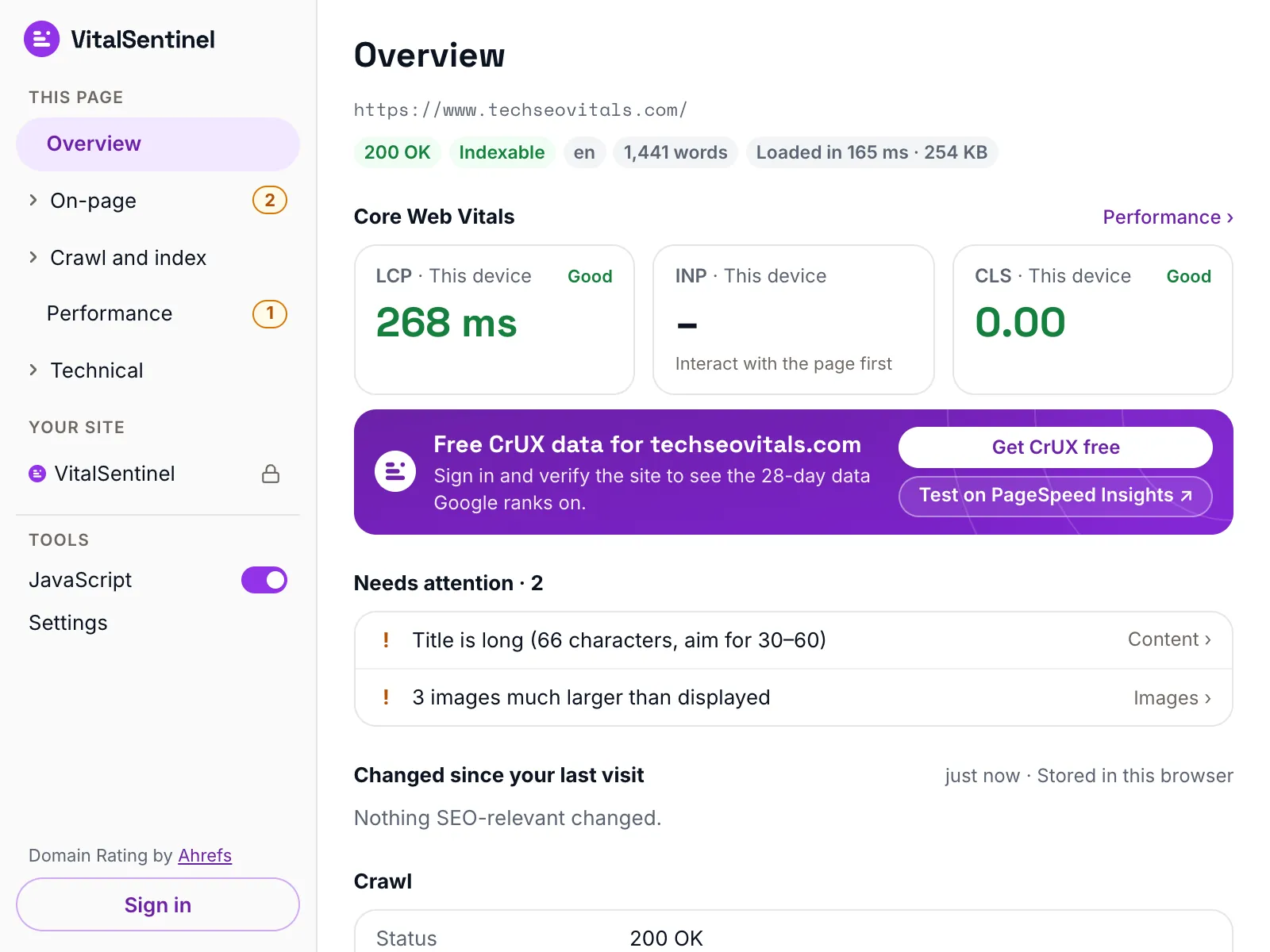
In the free VitalSentinel SEO Extension for Chrome, one click shows the redirect chain, the HTTP to HTTPS hop and any loop for the page you have open.
- Free
- No account needed
- One click
What it checks
- Asks for each step on its own instead of letting the chain be followed for us, so no step is skipped or hidden
- Reports the status code and timing of every step, and what it changes: http to https, www, path, trailing slash, query string
- Flags a 302 or 307 used for a permanent move, plus loops, insecure http steps mid-chain and an https upgrade split from the www switch
- Reads the final page for a meta refresh, a redirect that never appears in the chain itself
What it does not
- It cannot see redirects that run in the browser, from JavaScript, a service worker or a cookie, and it looks for a meta refresh only on the final page, when that page is HTML
- It runs from a data center as VitalSentinel Free Tools Bot, so rules that target a country or a device may not fire
- It checks one URL per run, and stops after 10 requests where a browser goes to about 20
- Each step is timed once, from one location, so the numbers are useful for comparison rather than as a benchmark
Questions
How many redirects is too many?
None, if the URL is already the right one.
- One is the ceiling for a URL that has to move.
- Two is common and can almost always be collapsed into a single rule.
- Three or more means several rules fire one after another and every visitor waits for all of them.
Googlebot follows up to 10 redirects per crawl attempt.
Why does this show a step my browser never shows?
Browsers hide the chain: the address bar only ever shows the final URL.
This tool asks for each URL itself rather than letting the chain be followed, so every status code and destination along the way stays visible, along with the Location header wherever it does not simply name the next URL we asked for.
Why should I enter the http:// version?
Because the http to https step is the one most likely to be missing or split across two rules, and plenty of old links still use it. Enter a bare domain and we assume https, which skips that part of the chain.
Should this redirect be a 301 or a 302?
Use 301 for anything that is not coming back: a moved page, the https upgrade, the www switch, a trailing slash. It lets browsers remember the redirect and tells Google to move the URL rather than keep both in play.
Keep 302 or 307 for what you intend to undo, such as maintenance, an A/B test, a seasonal page, a login or a country bounce.
This tool flags a 302, 303 or 307 used on a step that only tidies up the URL, because that combination is almost always an accident.
More free tools
Fair use, and how to recognize us
5 per minute · 25 per hour · 100 per day per IP (per /64 for IPv6), plus a per-site limit
Every request these tools make sends this user agent, including the ones that load a page in a real browser. What a run records is set out in our privacy policy.
Mozilla/5.0 (compatible; VitalSentinel Free Tools Bot/1.0; +https://www.vitalsentinel.com/bot)
Stop checking by hand
Core Web Vitals from real users, indexing and robots.txt, uptime and SSL, monitored continuously. Start on the Free plan and add your first domain in under a minute.